ManualTerminal
Command launcher
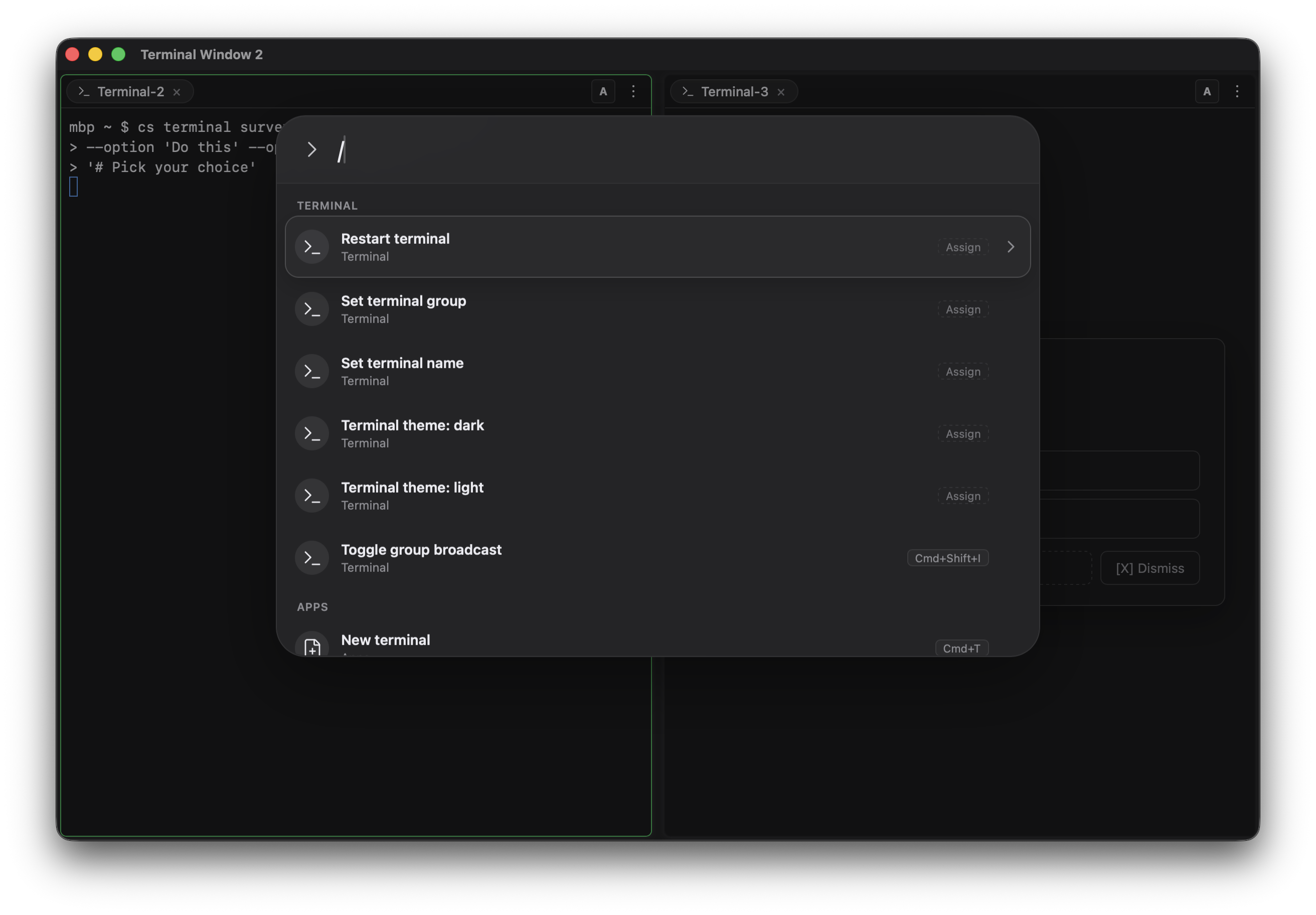
Run any command, change a setting, or reach any window from one searchable list.
What you can do
- Run any command from the keyboard. Each row shows its shortcut, so the list also teaches them.
- Search commands, settings, and windows at once, with words in any order:
darkfinds Theme: Dark. - Change a setting in place. An on/off row or an option applies at once and leaves the launcher open.
- Reach any window on the local machine or a devserver without opening the Computers screen.
- See why a command cannot run where you are: it is listed last, dimmed, with the reason.
Open it
| From | How |
|---|---|
| Keyboard, macOS desktop | Cmd+K |
| Keyboard, Windows, Linux, and web | Ctrl+Alt+K |
| Pane menu | Command launcher |
| Right-click menu | Command launcher, on a terminal, an editor, an empty pane, or the empty stretch of a pane's tab strip |
The opening list is in sections: the commands you ran last, the active app's commands, then New tab, Tab, Pane, Window, Workspace, Settings, and Computers. Type to search all of them.
Keys
| Key | What it does |
|---|---|
| Up Down | Move through the rows. |
| Enter | Run the selected row. An on/off row or an option applies in place; any other command closes the launcher. |
| Right | Open a row that holds more, such as a choice's options or a window's other actions. |
| Esc | Go back one level, then close the launcher. |
| Tab | Switch to the next scope. |
| ? | On an empty search, show the full key list. |
| The launcher's shortcut | Close it from any level. |
Scopes
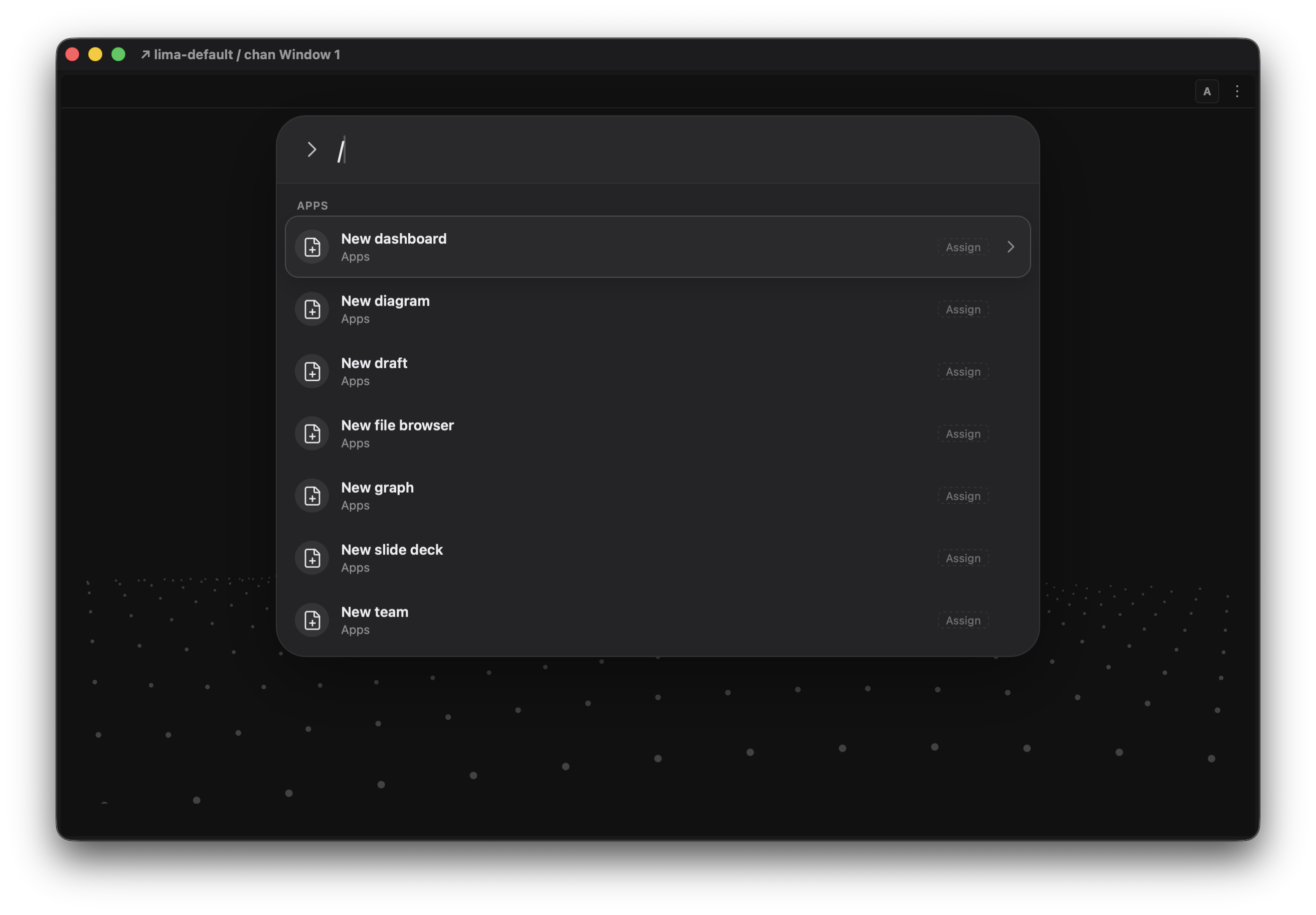
Press Tab, or click a scope beside the search field, to see one part in full.
| Scope | Lists |
|---|---|
| Terminal, Editor, Files, Graph, or Dashboard | The active app's commands. This scope comes first and follows the tab you are in. |
| Pane | The apps a new tab can open, then tab and pane actions. |
| Window, Workspace | Actions on the window and on the workspace it shows. |
| Settings | Every setting under its section. An on/off setting or a choice changes in place; any other row opens Settings on that field. |
| Computers | Everything on the machine the window belongs to, the local machine or a devserver: open a terminal window or a window of any of its workspaces, and focus, show, hide, or close any of its windows. |
Details and limits
- An on/off row such as Details shows its state.
- In the Computers scope a workspace that is off is listed dimmed; turn it on from the Computers screen.
- In Chan Desktop the Computers scope ends with All computers..., which shows the Computers screen.
- A
tmux -CCconnection's windows are listed with the rest. Detach or end the connection from its card on the Computers screen. - The right-click menu of an empty pane, or of the empty stretch of a tab strip, also offers Reload window and, on the desktop, Open Inspector.